
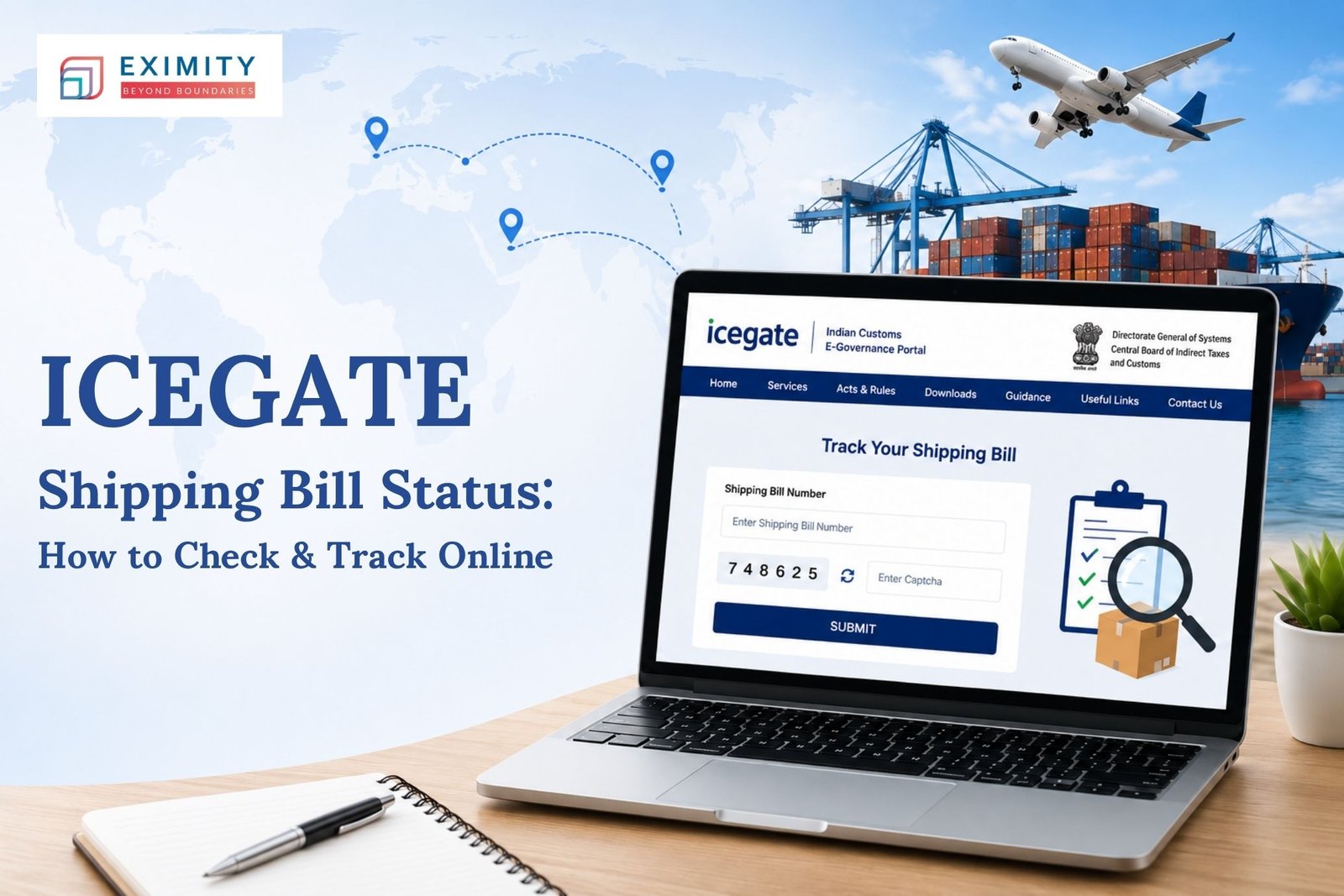
Ask any exporter what keeps them up at night before a shipment leaves port, and customs clearance is usually somewhere near the top. The icegate shipping bill status is what tells you whether your goods are actually cleared to move or still stuck somewhere in the system. This guide covers how to check it, what the different status codes actually mean, and how to pull your documents once everything’s cleared.
What Is ICEGATE Shipping Bill Status?
Once an export shipment is lodged in India’s Customs EDI system, it passes through a series of checkpoints before receiving the green light to exit the country. The ICEGATE Shipping Bill Status is the present status of your bill in that process. It may be newly filed, pending review by a customs officer or already cleared with a Let Export Order. For businesses learning How to Export From India . Regularly checking the status of your shipping bill from India is a must do step for smooth customs clearance and avoiding unnecessary shipment delays. The status is watched by exporters who often spot trouble at the port days earlier than they otherwise would.
Why This Actually Matters for Exporters
A shipping bill stuck in “query raised” for three extra days can mean a missed vessel, and a missed vessel can mean an angry buyer on the other end. Here’s what tracking it properly gets you:
- No last-minute scrambling at the port
- Better planning around container loading and vessel cutoffs
- Documentation errors caught early, not after the ship’s gone
- Smoother coordination with your CHA
- Clearer visibility on when export incentives kick in
- Lower demurrage and detention costs
- Buyers who trust your delivery timelines because you actually hit them
How to Check Shipping Bill Status at ICEGATE
Once you know where to look, checking your shipping bill status at icegate takes barely a minute.
The Steps
- Log in to the ICEGATE portal with your registered credentials.
- Head to the Shipping Bill tracking section under Services.
- Punch in your shipping bill number, port code, and filing date.
- Hit search and the current status shows up right away.
- Read the code carefully — RMS, Assessed, LEO Given, or Query ‘Raised’ each means something different.
If you haven’t set up an account yet, you’ll need your IEC code and a digital signature certificate before you can register on ICEGATE.
What the Status Codes Actually Tell You
Search for icegate shipping bill tracking and you’ll see one of a handful of codes, depending on where your shipment is:
- Filed — it’s in the system, nothing’s happened yet
- RMS — the risk management system is deciding how much scrutiny it needs
- Assessed — an officer has looked it over
- Query Raised — something’s missing or unclear, and they want it fixed
- LEO — cleared; your goods can leave
Most delays happen at the query stage, and knowing what icegate shipping bill tracking shows you lets you respond fast instead of finding out three days later that nothing’s moved.
How to Download Shipping Bill from ICEGATE
Once your shipping bill status at icegate flips to LEO, grab the official copy while it’s fresh in your mind. This is how to download shipping bill from icegate, and it’s quicker than most people expect:
- Log in to your ICEGATE account.
- Open the Shipping Bill section and pull up your record using the reference number.
- Click download or print once it appears.
- Save it somewhere you’ll actually find it again — you’ll need this for GST refund claims and bank negotiations later.
A lot of exporters figuring out how to download shipping bill from icegate for the first time do it while scrambling to put together bank paperwork. Once you’re logged in, it’s a five-minute job, not the ordeal it sounds like.
A shipping bill is only one piece of that paperwork trail, though. If you’re also preparing your Bill of Lading, it’s worth understanding how the two documents work together during clearance, since banks and buyers often ask for both at the same time.
How ICEGATE Shipping Bill at ICES Fits In
Behind the scenes, the icegate shipping bill at ices system is doing the actual processing before anything shows up on your ICEGATE dashboard. ICES, the Indian Customs EDI System, handles assessment and examination, while ICEGATE is just the window you’re looking through as an exporter. That’s also why status updates sometimes lag by a few hours: the icegate shipping bill at ices record has to sync over before your portal reflects it.
A Few Things That Actually Help
- Triple-check your shipping bill number before hitting search; typos happen more than you’d think.
- Keep your IEC and PAN details current on ICEGATE.
- Reply to queries within a day, not a week
- Use the mobile view when you’re not at your desk.
- If nothing’s changed in 48 hours, call your CHA instead of just refreshing the page.
Check your icegate shipping bill status enough times and it stops feeling like a chore. It becomes just another part of the export routine.
For anyone still figuring out the bigger picture beyond a single shipping bill, our guide on How to Export From India walks through the full export process from registration to final clearance.
Where This Fits in Your Bigger Export Process
Tracking one shipping bill is a small part of running an export business that actually scales. If you’re thinking beyond this shipment to how you build a longer-term export strategy, this piece on Export Strategies for Global Business is worth a read.
Conclusion
None of this is complicated once you’ve done it a few times. Check your status after filing, understand what each code means, and grab your documents the moment they’re cleared. Exporters who build this into their routine spend a lot less time chasing updates and a lot more time actually running their business.
FAQs
1. What does ICEGATE shipping bill status mean?
It is the status of your shipping bill currently in the customs clearing process from filing to LEO.
2. How often should I check my shipping bill status at ICEGATE?
Daily is a good habit, especially if your vessel has a tight departure window.
3. Why is the tracking not updating for my ICEGATE shipment bill?
Usually it’s a pending query, a sync delay with ICES, or a document that’s missing something.
4. Can I download my shipping bill without logging in?
No, you’ll need to be logged into your registered ICEGATE account to pull or print a copy.
5. What if a query gets raised on my shipping bill?
Get the requested documents to your CHA or upload them directly on ICEGATE as soon as possible, delays here compound fast.